
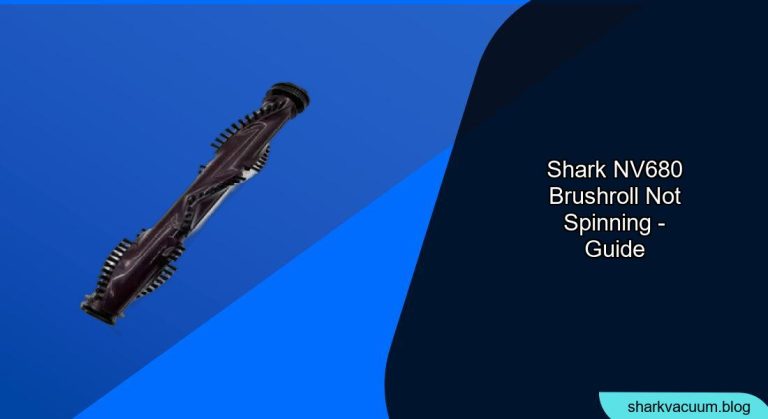
Is your Shark NV680_N Navigator vacuum cleaner’s brush roll refusing to spin? This can be frustrating when you’re trying to keep your floors clean. A non-spinning brush roll significantly reduces the vacuum’s effectiveness on carpets and can leave dirt and debris behind.
This article will walk you through the most common causes of a brush roll that won’t spin on your Shark NV680_N, and provide step-by-step instructions on how to diagnose and fix the problem. We’ll cover everything from simple fixes like clearing blockages to more complex solutions like replacing the brush roll motor. By the end of this guide, you’ll have the knowledge and confidence to get your Shark vacuum back in top working condition.
What Causes a Shark NV680_N Brush Roll to Stop Spinning?
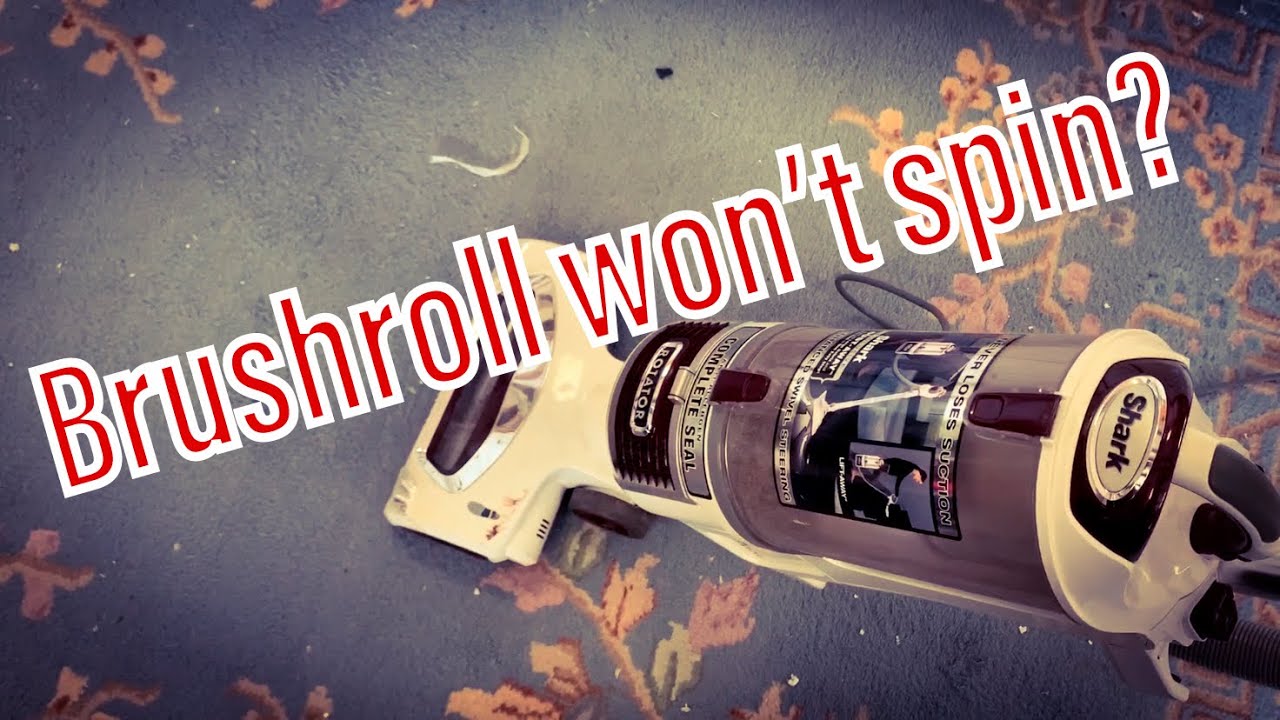
Several issues can cause your Shark NV680_N’s brush roll to stop spinning. Identifying the root cause is the first step to fixing the problem. Here are some common culprits:
- Blockages: Hair, string, carpet fibers, and other debris can get tangled around the brush roll, preventing it from spinning freely.
- Overheating: If the vacuum motor overheats, it can trigger a safety mechanism that shuts off power to the brush roll.
- Full Dust Cup or Dirty Filters: A full dust cup or clogged filters can restrict airflow, causing the vacuum to work harder and potentially overheat.
- Worn or Damaged Brush Roll: Over time, the brush roll bristles can wear down or become damaged, reducing its effectiveness and potentially causing it to stop spinning.
- Faulty Brush Roll Motor: In some cases, the brush roll motor itself may be faulty and require replacement.
Troubleshooting Steps: Getting Your Brush Roll Spinning Again
Follow these steps to diagnose and fix the issue with your Shark NV680_N brush roll:
1. Check and Clear Any Blockages
This is the most common cause of a non-spinning brush roll.
- Unplug the Vacuum: Always unplug your vacuum cleaner before performing any maintenance or repairs.
- Inspect the Brush Roll: Turn the vacuum over and carefully inspect the brush roll for any visible obstructions.
- Remove Debris: Use scissors or a seam ripper to carefully cut away any hair, string, or fibers wrapped around the brush roll. Be careful not to damage the bristles.
- Check the Brush Roll Housing: Remove the brush roll and inspect the housing for any remaining debris.
- Reinstall the Brush Roll: Make sure the brush roll is properly seated and spins freely by hand.
2. Reset the Vacuum If Overheated
If the vacuum has overheated, it may have triggered a safety shut-off.
- Unplug the Vacuum: Disconnect the vacuum from the power outlet.
- Empty the Dust Cup: A full dust cup restricts airflow and can cause overheating.
- Clean the Filters: Dirty filters also restrict airflow. Remove and clean the pre-motor and post-motor filters according to the manufacturer’s instructions.
- Allow to Cool: Let the vacuum cool down for at least 30-60 minutes.
- Plug In and Test: Plug the vacuum back in and turn it on to see if the brush roll is now spinning.
3. Clean the Dust Cup and Filters
A clean vacuum is a happy vacuum! Regular cleaning improves performance and prevents overheating.
- Empty the Dust Cup: Empty the dust cup after each use to prevent it from overfilling.
- Wash the Filters: Wash the pre-motor filters every 3 months and the post-motor filter every year, or as recommended by the manufacturer.
- Dry Thoroughly: Ensure the filters are completely dry before reinstalling them in the vacuum.
4. Inspect and Replace the Brush Roll
If the brush roll is worn or damaged, it may need to be replaced.
- Inspect the Bristles: Check the bristles for wear and tear. If they are worn down or broken, it’s time for a new brush roll.
- Check for Damage: Look for any cracks or damage to the brush roll itself.
- Purchase a Replacement: Order a replacement brush roll that is specifically designed for the Shark NV680_N model.
- Install the New Brush Roll: Follow the instructions in your owner’s manual to install the new brush roll.
5. Check the Brush Roll Motor
If none of the above steps work, the brush roll motor may be faulty.
- Locate the Motor: The brush roll motor is located in the vacuum head, near the brush roll housing.
- Test the Motor (Advanced): Use a multimeter to test the motor for continuity. If there is no continuity, the motor is likely dead. Note: This step requires electrical knowledge and should only be performed by qualified individuals.
- Replace the Motor: If the motor is faulty, you will need to replace it. This may require disassembling the vacuum head. Consider seeking professional repair if you are not comfortable with this process.
Practical Elements for Shark NV680_N Brush Roll Maintenance
Tools/Materials
- Screwdriver (Phillips head)
- Scissors or seam ripper
- Replacement brush roll (Shark NV680_N compatible)
- Multimeter (for testing the motor – optional)
Preparation Steps
- Unplug the vacuum cleaner from the power outlet.
- Gather the necessary tools and materials.
- Clear a workspace to perform the troubleshooting steps.
Troubleshooting Guide
| Problem | Possible Cause | Solution |
|---|---|---|
| Brush roll not spinning | Blockage around brush roll | Unplug vacuum, remove brush roll, clear debris, and reinstall. |
| Brush roll spins intermittently | Overheating | Unplug vacuum, empty dust cup, clean filters, let cool for 30-60 minutes, and try again. |
| Weak brush roll performance | Worn or damaged brush roll | Inspect brush roll, replace if bristles are worn or damaged. |
| Brush roll won’t spin at all | Faulty brush roll motor | Test brush roll motor with a multimeter (if qualified), replace motor if necessary. |
| Vacuum cleaner shuts off | Overheating due to clogged hose | Check the hose for any blockages. Disconnect the hose and clear any obstructions using a broom handle or similar tool. Reconnect and try again. |
Pro Tips
- Regular Maintenance: Clean your brush roll and filters regularly to prevent issues.
- Avoid Overloading: Don’t try to vacuum large piles of debris at once.
- Use the Right Settings: Use the appropriate settings for the type of flooring you are cleaning.
Alternatives/Variations
- Professional Repair: If you’re not comfortable troubleshooting the vacuum yourself, consider taking it to a qualified repair technician.
- Upgrade: If your vacuum is old and frequently experiencing problems, it may be time to upgrade to a newer model.
FAQ About Shark NV680_N Brush Roll Issues
Why is my Shark vacuum brush roll light red?
A red brush roll indicator light usually signifies that the brush roll is encountering an issue, such as a blockage or the brush roll being turned off. Immediately turn off and unplug the vacuum, then inspect the brush roll for any obstructions like hair or debris. Clearing these blockages will often solve the problem and reset the light.
How do I know if my Shark vacuum brush roll motor is broken?
If you’ve cleared all blockages and the brush roll still won’t spin, the motor could be the problem. If you have a multimeter, you can test the motor for continuity. If there’s no continuity, the motor is likely dead and needs to be replaced. Also, if you hear unusual noises coming from the motor, it’s a sign it might be failing.
Can I use a different brush roll on my Shark NV680_N?
It’s best to use a brush roll specifically designed for the Shark NV680_N. Using a different brush roll could damage the vacuum or reduce its effectiveness. Always check the manufacturer’s specifications before using any replacement parts.
How often should I replace the brush roll on my Shark vacuum?
The lifespan of a brush roll depends on how frequently you use your vacuum and the types of surfaces you clean. As a general guideline, inspect the brush roll every 6 months and replace it when the bristles appear worn or damaged. Regular maintenance can extend its life.
What does it mean when the brush roll indicator light is flashing?
A flashing brush roll indicator light can mean several things, including overheating, a blockage, or a motor issue. Start by checking for blockages and cleaning the filters. If the light continues to flash after these steps, let the vacuum cool down completely before trying again. If the problem persists, it may indicate a more serious issue with the motor.
Is there a reset button for the brush roll on the Shark NV680_N?
The Shark NV680_N does not have a dedicated reset button for the brush roll. However, unplugging the vacuum, clearing any blockages, cleaning the filters, and allowing the vacuum to cool down can often reset the system and resolve the issue.
Tips, Warnings, and Best Practices
- Safety First: Always unplug the vacuum before performing any maintenance or repairs.
- Regular Cleaning: Clean the brush roll and filters regularly to prevent clogs and maintain optimal performance.
- Proper Storage: Store your vacuum in a clean, dry place to prevent damage.
- Avoid Liquids: Do not vacuum up liquids, as this can damage the motor and other components.
Conclusion
A non-spinning brush roll on your Shark NV680_N vacuum cleaner can be a frustrating problem, but with a systematic approach, you can often diagnose and fix the issue yourself. By following the troubleshooting steps outlined in this guide, you can clear blockages, reset the vacuum, and replace worn or damaged parts. Regular maintenance and proper usage are key to preventing future problems and keeping your Shark vacuum running smoothly. With a little effort, you can keep your floors clean and your vacuum in top condition.





