
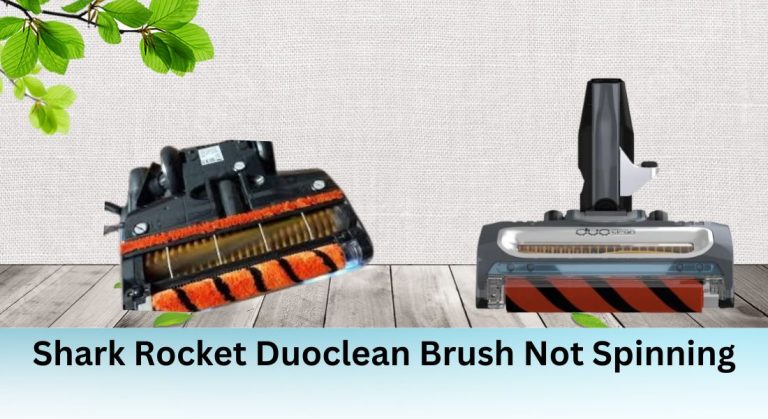
The Shark Rocket DuoClean vacuum is renowned for its innovative DuoClean technology, which features a dual-brushroll design to tackle both large debris and fine particles on hard floors and carpets. However, like any appliance, it can encounter issues—most commonly, the brush roll stops spinning. This problem can significantly impact the vacuum’s cleaning efficiency, leaving debris behind and potentially causing further damage to the machine. Understanding the root causes and knowing how to troubleshoot and repair the issue can save you time, money, and frustration.
Exploring the Shark Rocket DuoClean Vacuum

Overview of the DuoClean Technology
The Shark Rocket DuoClean vacuum’s dual-brushroll system is its standout feature. The front roller is designed to capture large debris, while the rear roller picks up finer particles. This combination ensures thorough cleaning on various surfaces, from hardwood floors to plush carpets. The brush roll’s spinning action is critical for effective cleaning, making it essential to address any issues promptly.
Importance of the Brush Roll
The brush roll is the heart of the vacuum’s cleaning performance. When it stops spinning, the vacuum’s ability to pick up debris is severely compromised. A non-spinning brush roll can also strain the motor and other components, potentially leading to more significant problems. Regular maintenance and timely repairs are key to keeping your vacuum in top condition.
Possible Causes of the Brush Not Spinning

Blockages and Debris
One of the most common reasons for the brush not spinning is blockages caused by hair, strings, or other debris tangled around the brush roll. These obstructions can prevent the brush from rotating, reducing cleaning efficiency. Regularly cleaning the brush roll and removing any entangled materials can help prevent this issue.
Worn-Out Parts
Over time, the brush roll, belt, or other components can wear out or become damaged. A worn-out belt, for example, may not provide enough tension to spin the brush roll effectively. Inspecting these parts and replacing them when necessary can restore your vacuum’s performance.
Incorrect Assembly
If the vacuum is not assembled correctly, it can strain the motor and prevent the brush from spinning. Ensuring that all parts are properly aligned and securely attached according to the manufacturer’s instructions is crucial for optimal performance.
Troubleshooting and Repair
Checking for Blockages
Start by turning off and unplugging the vacuum. Remove the brush roll and inspect it for any tangled hair, strings, or debris. Use scissors or a cleaning tool to carefully remove any obstructions. Clean the brush roll thoroughly before reassembling it. Regular maintenance can help prevent future blockages.
Replacing Worn-Out Parts
If the brush roll or belt appears worn or damaged, replace them with genuine Shark replacement parts. Follow the manufacturer’s instructions for removing the old parts and installing the new ones. Using authentic parts ensures compatibility and optimal performance.
Reassembling the Vacuum
After cleaning or replacing parts, reassemble the vacuum carefully. Ensure all components are correctly aligned and securely attached. Proper assembly prevents strain on the motor and ensures the brush roll spins smoothly.
Advanced Troubleshooting
Checking Electrical Components
If the brush roll still doesn’t spin, the issue may lie with the vacuum’s electrical components, such as the motor or PCB. Inspect these parts for any visible damage or faults. However, this level of troubleshooting requires technical expertise, so proceed with caution or seek professional assistance.
Consulting the User Manual or Contacting Support
Refer to the user manual for specific troubleshooting steps. If the issue persists, contact Shark’s customer support for further assistance. If your vacuum is still under warranty, you may be eligible for a repair or replacement.
DIY Fixes and Repairs
Fixing the Belt Pulley
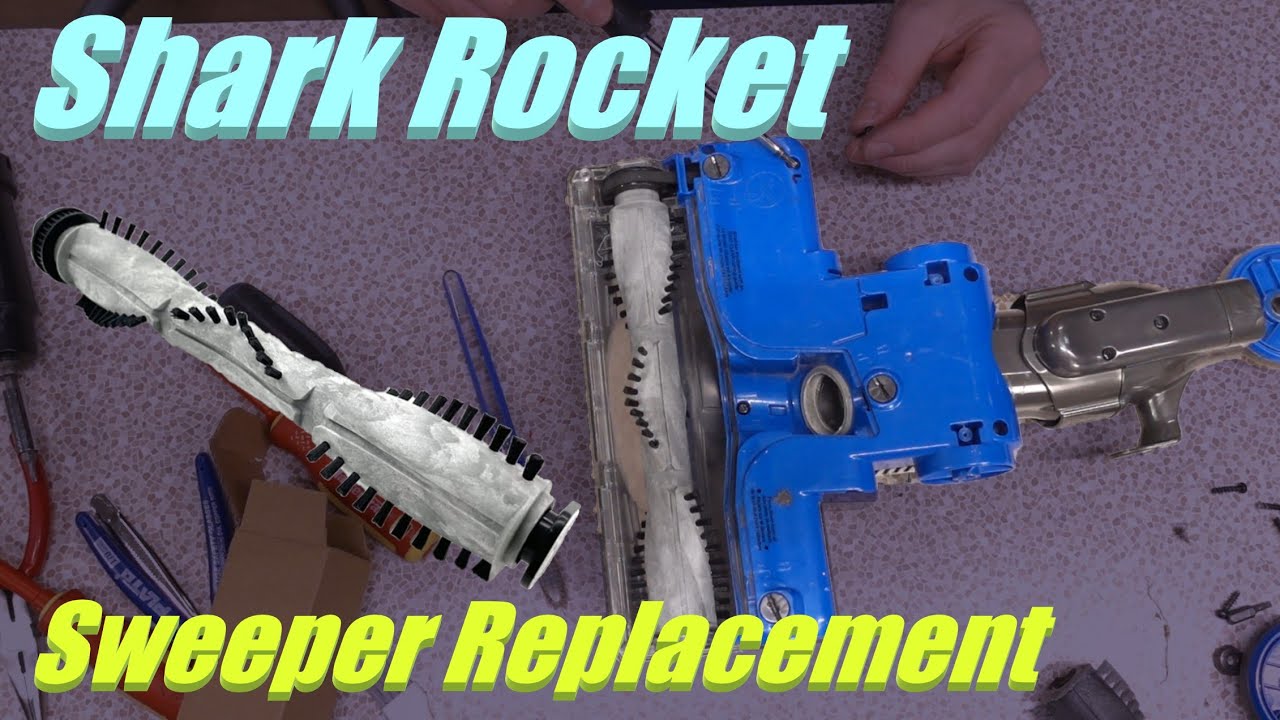
For the Shark DuoClean soft brush spinning failure, a DIY fix involves creating a keyway on the shaft and inside the pulley using a Dremel tool. Drive a brad into the keyway to lock the pulley firmly in place. Alternatively, some users have successfully used wire and superglue to secure the pulley.
Comparison with Newer Models
Newer models, such as the Zero-M head, feature design improvements that may address the brush spinning issue. Some users have found these heads compatible with their original models, offering a potential upgrade solution.
Repair-Friendly Design
Shark Vacuums and Repair-Friendliness
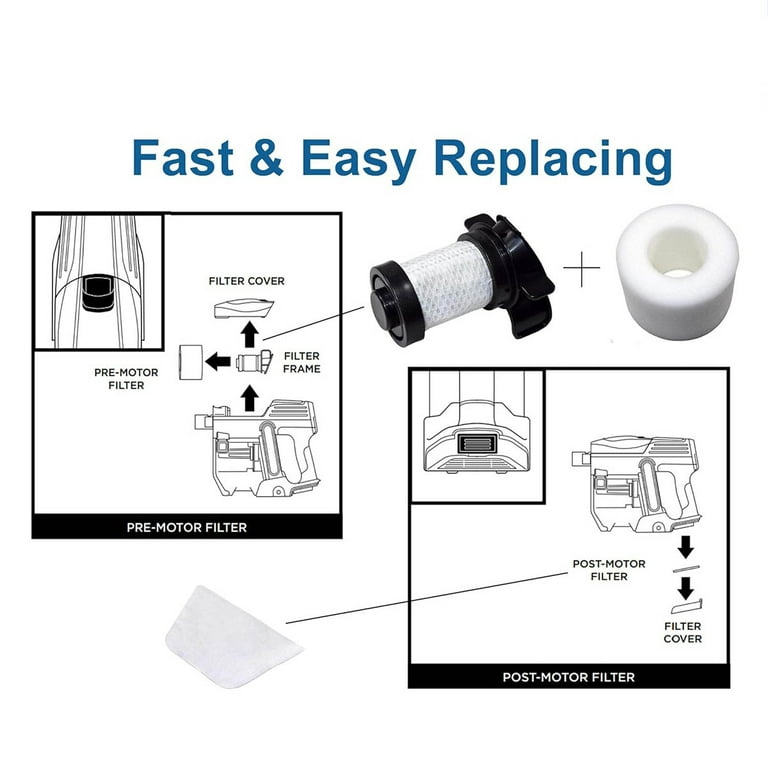
While Shark vacuums are not always known for their repair-friendly design, a bit of creativity and DIY skills can save you money and extend your vacuum’s lifespan. Understanding the machine’s components and how they work is key to successful repairs.
Additional Resources
For more detailed guidance, consult the user manual or watch teardown videos available online. These resources can provide valuable insights into the vacuum’s internal structure and repair techniques. Shark’s customer support and authorized service centers are also available for assistance.
Prevention and Maintenance

Regular Cleaning and Maintenance
To prevent future issues, clean your vacuum regularly, especially the brush roll and other moving parts. Inspect the belt and brush roll for wear and replace them as needed. Proper maintenance ensures your vacuum performs optimally and lasts longer.
Common Issues and FAQs
Frequently Asked Questions
Q: Why is my Shark Rocket DuoClean brush not spinning?
A: Common causes include blockages, worn-out parts, or incorrect assembly. Start by checking for debris and inspecting the belt and brush roll.
Q: Can I fix the brush spinning issue myself?
A: Yes, many issues can be resolved with DIY fixes, such as cleaning the brush roll, replacing worn parts, or securing the belt pulley.
Q: Should I contact Shark’s customer support?
A: If the issue persists or you’re unsure about repairs, contacting customer support is a good idea, especially if your vacuum is under warranty.
By following these troubleshooting and repair steps, you can restore your Shark Rocket DuoClean vacuum’s performance and keep it running smoothly for years to come.





