
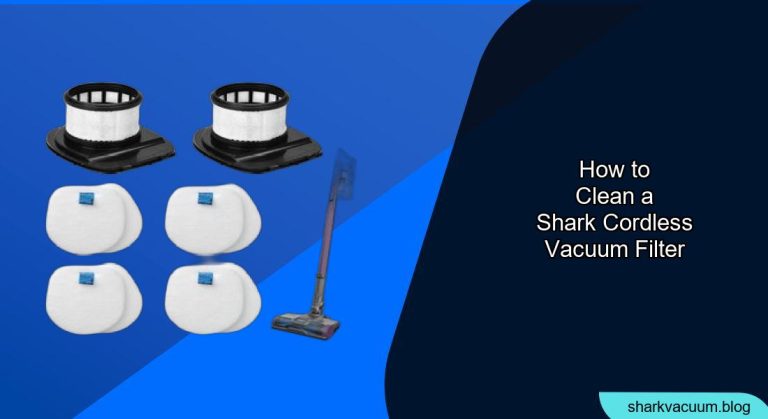
Tired of your Shark cordless vacuum losing suction power? A dirty filter could be the culprit. Regularly cleaning your Shark cordless vacuum filter is essential for maintaining optimal performance and extending the life of your appliance. This guide will walk you through the process, ensuring your vacuum runs like new.
A clean filter ensures your Shark cordless vacuum effectively picks up dirt, dust, and debris, preventing these particles from recirculating into your home. Neglecting filter maintenance can lead to reduced suction, overheating, and potential damage to the motor. In this article, you’ll learn how to properly clean your Shark cordless vacuum filter, troubleshoot common issues, and keep your vacuum running at its best. Let’s dive in!
Understanding Your Shark Cordless Vacuum Filter

Before you begin, it’s important to know what type of filter your Shark cordless vacuum uses. Most models have a combination of foam and felt filters, and some may include a HEPA filter. Consult your vacuum’s user manual to identify the specific filters and their recommended cleaning schedule. Knowing the type of filter helps you choose the correct cleaning approach.
Step-by-Step Guide to Cleaning Your Shark Cordless Vacuum Filter
Follow these steps to clean your Shark cordless vacuum filter effectively:
- Turn Off and Unplug: Always start by turning off and unplugging your Shark cordless vacuum to ensure safety.
- Locate the Filter Compartment: The filter compartment is usually located near the dust cup or motor housing. Refer to your user manual if you’re unsure of its location.
- Remove the Filter(s): Open the filter compartment and carefully remove the filter(s). Note the order in which they are stacked, as this is important for reassembly.
- Tap off Loose Debris: Gently tap the filter(s) against a trash can to remove any loose dirt and debris. Do this outside to avoid creating a mess indoors.
- Rinse with Water: Rinse the filter(s) under lukewarm water until the water runs clear. Avoid using soap or detergents, as these can leave residue that affects filter performance.
- Squeeze Out Excess Water: Gently squeeze out the excess water from the filter(s). Do not twist or wring the filters, as this can damage their structure.
- Air Dry Completely: Allow the filter(s) to air dry completely for at least 24 hours before reassembling. Ensure they are fully dry to prevent mold and mildew growth.
- Reassemble the Filter(s): Once the filter(s) are completely dry, reassemble them in the correct order inside the filter compartment.
- Close the Filter Compartment: Securely close the filter compartment before using your Shark cordless vacuum again.
Tools and Materials
- Sink or Tub
- Lukewarm Water
- Trash Can
- Clean Towel
Troubleshooting Guide
Problem: Vacuum Still Has Low Suction After Cleaning
Solution: Ensure the filter is completely dry before reassembling. Wet filters restrict airflow and reduce suction.
Problem: Filter Smells After Cleaning
Solution: Make sure the filter is thoroughly rinsed to remove all debris. You can also try soaking it in a solution of water and vinegar for 30 minutes before rinsing again.
Problem: Filter Tears or Damages Easily
Solution: Handle the filter gently during cleaning. Avoid using excessive force when rinsing or squeezing out water. If the filter is old or damaged, consider replacing it.
Problem: Filter Discolors Quickly
Solution: This can be normal depending on the type of debris you’re vacuuming. However, ensure you are cleaning the filter regularly to prevent buildup.
Problem: Vacuum Overheats
Solution: A clogged filter can cause the vacuum to overheat. Make sure you clean the filter regularly and check for any blockages in the hose or brush roll.
Pro Tips for Maintaining Your Shark Cordless Vacuum Filter
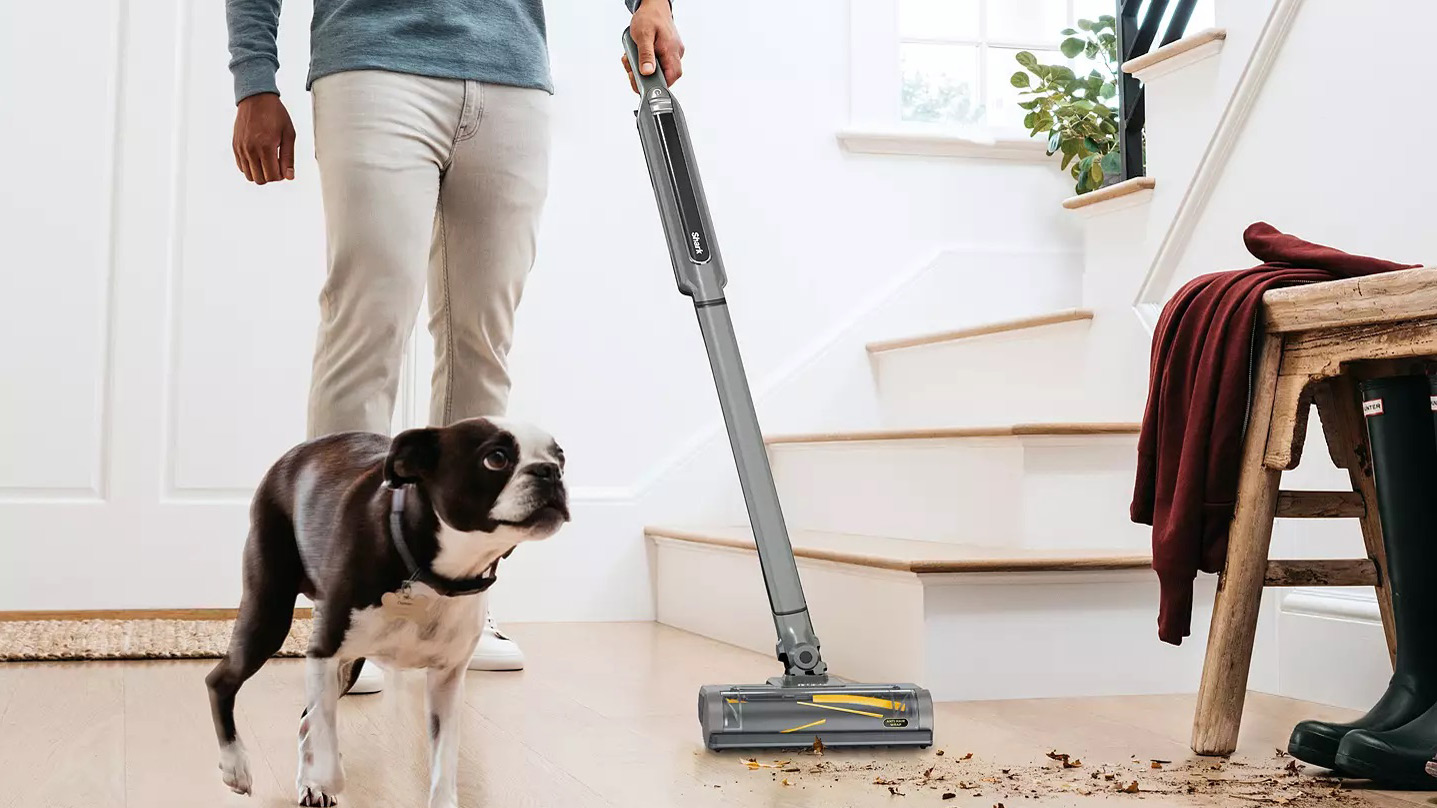
- Clean Regularly: Aim to clean your filter every 2-4 weeks, depending on usage.
- Use a Spare Filter: Consider purchasing an extra filter so you can continue using your vacuum while the other filter is drying.
- Check for Blockages: Regularly inspect the hose, brush roll, and dust cup for any blockages that could strain the filter.
- Follow Manufacturer’s Instructions: Always refer to your user manual for specific cleaning recommendations.
Alternatives and Variations
- Using Compressed Air: For a more thorough cleaning, you can use compressed air to blow out any remaining debris from the filter after tapping it against a trash can.
- Gentle Brush: Use a soft-bristled brush to gently scrub the filter while rinsing it with water. This can help remove stubborn dirt and debris.
- HEPA Filter Cleaning: If your vacuum has a HEPA filter, follow the manufacturer’s instructions for cleaning. Some HEPA filters are washable, while others need to be replaced.
FAQ Section
How often should I replace my Shark cordless vacuum filter?
It is generally recommended to replace your Shark cordless vacuum filter every 6-12 months, depending on usage and the specific type of filter. Check your user manual for the manufacturer’s recommendation.
Can I use soap or detergent to clean my vacuum filter?
No, it is not recommended to use soap or detergent to clean your vacuum filter. These products can leave residue that affects filter performance and may damage the filter material.
What happens if I don’t clean my vacuum filter regularly?
If you don’t clean your vacuum filter regularly, it can become clogged with dirt and debris, leading to reduced suction, overheating, and potential damage to the motor. Regular cleaning helps maintain optimal performance and extends the life of your vacuum.
How long does it take for a vacuum filter to dry completely?
A vacuum filter typically takes at least 24 hours to dry completely. Ensure it is fully dry before reassembling to prevent mold and mildew growth.
Can I use a hair dryer to speed up the drying process?
It is not recommended to use a hair dryer to dry your vacuum filter, as the heat can damage the filter material. Air drying is the best and safest option.
How do I know if my vacuum filter needs to be replaced?
If your vacuum filter is visibly damaged, torn, or discolored even after cleaning, it may need to be replaced. Additionally, if you notice a persistent decrease in suction power, it could be a sign that the filter is no longer functioning effectively.
Tips, Warnings, and Best Practices
- Safety First: Always unplug your vacuum before cleaning the filter to prevent electric shock.
- Gentle Handling: Be gentle when handling the filter to avoid tearing or damaging it.
- Complete Drying: Ensure the filter is completely dry before reassembling to prevent mold and mildew growth.
- Regular Cleaning: Clean the filter regularly to maintain optimal performance and extend the life of your vacuum.
- Follow Instructions: Always refer to your user manual for specific cleaning recommendations and warnings.
Conclusion
Cleaning your Shark cordless vacuum filter is a simple yet crucial task for maintaining optimal performance and prolonging the life of your appliance. By following the steps outlined in this guide, you can ensure your vacuum continues to deliver powerful suction and effectively clean your home. Remember to clean regularly, handle with care, and always allow the filter to dry completely before reassembling. Keep your Shark cordless vacuum running like new with these easy maintenance tips!


