
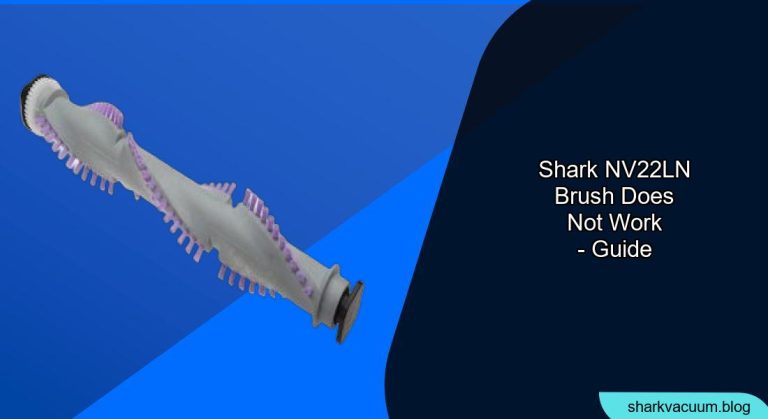
Is your Shark NV22L/N vacuum cleaner’s brushroll refusing to spin? A non-functioning brushroll can significantly impact your vacuum’s cleaning performance, leaving dirt and debris behind. This article provides a comprehensive guide to diagnosing and resolving common issues that prevent the brushroll on your Shark NV22L/N from working correctly, helping you restore your vacuum to its peak performance.
This guide is important because a working brushroll is essential for deep cleaning carpets and rugs, agitating fibers to loosen embedded dirt. Without it, your vacuum primarily relies on suction, which is less effective for thorough cleaning. We’ll explore the common reasons why your Shark NV22L/N brushroll might stop working and provide step-by-step solutions to get it spinning again.
We will cover identifying obstructions, resetting the motor, checking the belt, and other potential fixes. Follow these steps, and you’ll likely be able to troubleshoot the problem yourself, saving time and money on repairs.
Common Causes of a Non-Functioning Shark NV22L/N Brushroll
Several factors can cause your Shark NV22L/N brushroll to stop working. Identifying the root cause is the first step in fixing the problem:
- Obstructions: Hair, string, and debris can easily become tangled around the brushroll, preventing it from spinning freely.
- Overheating: The motor may overheat if the brushroll is obstructed or if the vacuum is used for extended periods. This can trigger a safety mechanism that shuts off the brushroll.
- Belt Issues: The belt that connects the motor to the brushroll can stretch, break, or slip off its track, preventing the brushroll from turning.
- Electrical Problems: Although less common, electrical issues within the vacuum can also prevent the brushroll from functioning.
How to Check for and Remove Brushroll Obstructions
The most frequent cause of a non-spinning brushroll is obstructions. Here’s how to check for and remove them:
- Turn off and unplug the vacuum: Always disconnect the vacuum from the power outlet before performing any maintenance or troubleshooting.
- Locate the brushroll access: On the Shark NV22L/N, the brushroll is located on the bottom of the vacuum head. You may need to remove a cover or plate to access it.
- Inspect the brushroll: Carefully examine the brushroll for any visible obstructions, such as hair, string, or debris.
- Remove the obstructions: Use scissors or a seam ripper to carefully cut away tangled hair and string. Be careful not to damage the brushroll bristles. You can also use your fingers to pull out larger debris.
- Test the brushroll: Once you’ve removed all visible obstructions, try spinning the brushroll manually. It should spin freely without any resistance.
Resetting the Motor After Overheating
If the motor overheats, it can trigger a safety shut-off that disables the brushroll. Here’s how to reset it:
- Unplug the vacuum: Disconnect the vacuum from the power outlet.
- Allow the vacuum to cool down: Let the vacuum sit for at least 30-60 minutes to allow the motor to cool completely.
- Check for obstructions: While the vacuum is cooling, inspect the brushroll and hoses for any obstructions that may have caused the motor to overheat. Remove any blockages you find.
- Plug in and test the vacuum: After the cooling period, plug the vacuum back in and turn it on. Check if the brushroll is now functioning.
Inspecting and Replacing the Brushroll Belt

A worn or broken belt can prevent the brushroll from spinning. Follow these steps to inspect and replace the belt:
- Access the brushroll and belt: You’ll typically need to remove the brushroll access plate and the brushroll itself to access the belt.
- Inspect the belt: Check the belt for any signs of wear, such as cracks, fraying, or stretching. If the belt is damaged or loose, it needs to be replaced.
- Remove the old belt: Carefully remove the old belt from the motor shaft and the brushroll.
- Install the new belt: Place the new belt around the motor shaft and the brushroll. Ensure the belt is properly seated in the grooves.
- Reassemble the vacuum: Reinstall the brushroll and the access plate.
- Test the brushroll: Turn on the vacuum and check if the brushroll is now spinning correctly.
Troubleshooting Other Potential Issues

If the above steps don’t resolve the issue, consider these other potential problems:
- Check the brushroll motor: Although less common, the brushroll motor itself could be faulty. If you suspect a motor issue, contact Shark customer support or a qualified repair technician.
- Inspect the wiring: Examine the wiring connections to the brushroll motor for any loose or damaged wires. If you find any issues, repair or replace the wiring as needed (or consult a professional).
- Verify the switch: On some models, a switch controls the brushroll function. Make sure the switch is properly engaged.
Tools and Materials You Might Need
- Screwdriver (Phillips head)
- Scissors or seam ripper
- Replacement brushroll belt (if needed)
- Gloves (optional, for handling dirty parts)
Pro Tips for Maintaining Your Shark Vacuum

- Regularly clean the brushroll: Remove hair and debris from the brushroll after each use to prevent build-up and maintain optimal performance.
- Empty the dust cup frequently: A full dust cup can reduce suction and put extra strain on the motor.
- Check and clean the filters: Clean the filters regularly to maintain proper airflow and prevent overheating.
- Avoid vacuuming over cords: Cords can get tangled in the brushroll and cause damage.
FAQ About Shark NV22L/N Brushroll Issues
Why does my Shark vacuum brushroll keep stopping?
The brushroll may stop due to obstructions, overheating, or a faulty belt. Regularly check for and remove any tangled hair or debris from the brushroll. Ensure proper ventilation by cleaning the filters and emptying the dust cup.
How do I know if my Shark vacuum belt is broken?
If the brushroll isn’t spinning and you’ve already cleared any visible obstructions, inspect the belt for signs of damage. A broken, stretched, or worn-out belt needs replacement.
Can I use a generic belt on my Shark vacuum?
While generic belts may fit, it’s recommended to use a genuine Shark replacement belt to ensure proper fit and performance.
What does the brushroll reset button do on my Shark vacuum?
Some Shark models have a reset button that can help resolve brushroll issues. Refer to your specific model’s manual for instructions on how to locate and use the reset button. Usually, it helps to resolve the issue after removing any obstructions
How often should I replace my Shark vacuum brushroll?
The brushroll should be replaced when the bristles are worn down or damaged, typically every 6-12 months with regular use.
Is it worth repairing a Shark vacuum?
Whether it’s worth repairing depends on the age and condition of your vacuum, as well as the cost of the repair. For newer vacuums, repairs are often worthwhile.
Warnings and Best Practices
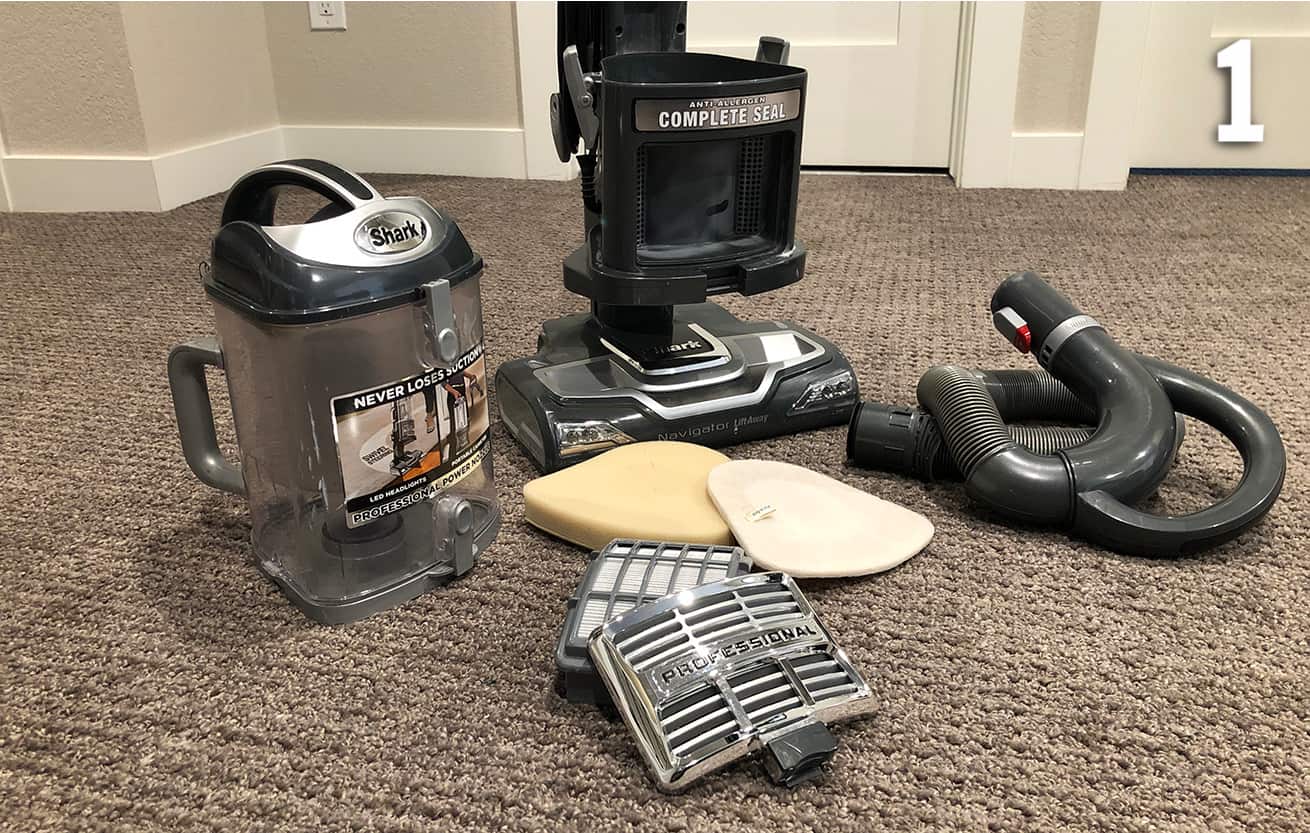
- Always unplug the vacuum before performing any maintenance or repairs.
- Be careful when using sharp objects to remove tangled hair from the brushroll.
- Do not immerse the vacuum or its parts in water.
- If you’re not comfortable performing repairs yourself, contact a qualified repair technician.
Conclusion
A non-functioning brushroll can significantly impact the cleaning performance of your Shark NV22L/N vacuum. By following the troubleshooting steps outlined in this guide, you can identify and resolve common issues, such as obstructions, overheating, and belt problems. Regular maintenance, including cleaning the brushroll and filters, will help prevent future problems and keep your vacuum running smoothly. If you’ve tried these steps and your brushroll still isn’t working, it may be time to contact Shark customer support or a qualified repair technician for further assistance.





