
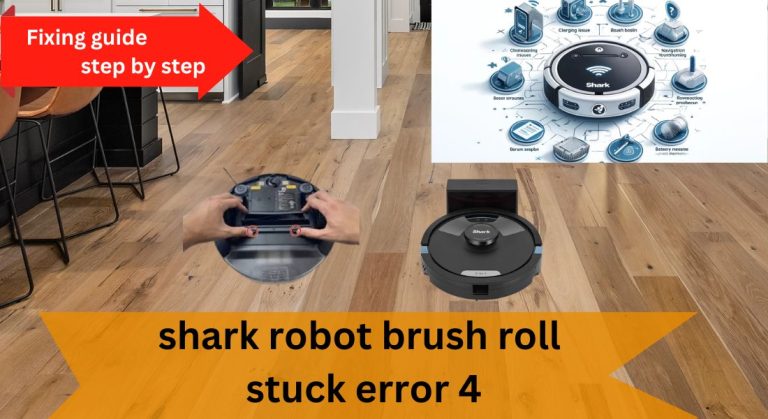
Shark robot vacuums are a convenient addition to any home, automating the cleaning process with ease. However, encountering the Shark Robot Brush Roll Stuck Error 4 can disrupt this convenience. This error typically indicates that the brush roll is obstructed or malfunctioning, which can hinder the vacuum’s performance. Addressing this issue promptly is essential to maintain the vacuum’s efficiency and longevity.
Understanding the Causes of Error 4
Common Causes of the Error
Several factors can trigger the Shark Robot Brush Roll Stuck Error 4. The most common include hair and debris tangled around the brush roll, misaligned or damaged brushes, or blockages in the vacuum’s intake pathways. Additionally, software glitches, hardware malfunctions, or navigation system issues, such as faulty sensors or incorrect mapping, can also contribute to this error.
Identifying the Problem
To pinpoint the issue, start by inspecting the brush roll and its surrounding area. Look for visible debris, tangled hair, or signs of damage. If the problem isn’t immediately apparent, consult the user manual or reach out to Shark’s customer support for specific guidance tailored to your model.
Troubleshooting and Fixing the Error
Basic Troubleshooting Steps
Begin by safely turning off and unplugging the vacuum to avoid any accidents. Next, locate the brush roll and remove any accumulated hair or debris using scissors, tweezers, or the cleaning tool provided. Check the vacuum’s interior and pathways for blockages and clear them out. Once done, restart the device and ensure it’s running the latest software update.
Advanced Troubleshooting
If the error persists, consider resetting the vacuum to resolve any software-related issues. Clean the vacuum’s sensors to ensure they are free from debris, as dirty sensors can interfere with navigation. Additionally, verify that the vacuum and its charging station are correctly placed and that there are no obstructions in the cleaning path.
Realigning or Replacing the Brush Roll
A misaligned or damaged brush roll may require realignment or replacement. Refer to the user manual for step-by-step instructions or contact Shark’s support team for assistance. Ensuring the brush roll is properly installed and functioning is crucial for resolving the error.
Preventing Future Errors

Regular Maintenance Tips
Regular maintenance is key to preventing the Shark Robot Brush Roll Stuck Error 4. Clean the brush roll, its housing, and the filter frequently to avoid debris buildup. Applying silicone spray to the ends of the roller brush can reduce friction and prolong its lifespan. Use compressed air or WD-40 to clean out stubborn debris, and ensure all vacuum parts are properly aligned and in good condition.
Additional Maintenance Recommendations
Schedule deep cleaning sessions for your vacuum to maintain optimal performance. Monitor the vacuum’s operation regularly and address any issues promptly. Keeping the vacuum’s software updated ensures it runs efficiently and can prevent software-related errors.
Advanced Maintenance and Repair
Cleaning and Maintaining the Vacuum’s Sensors
Clean sensors are essential for accurate navigation. Use a soft cloth or cotton swab to gently wipe the sensors, ensuring they are free from dust and debris. Avoid using harsh chemicals that could damage the sensors.If the sensors are damaged or not working properly even after cleaning, you may need a replacement. You can find replacement sensors for robot vacuums on Amazon to maintain smooth and accurate operation.
Addressing Hardware Malfunctions
If you notice unusual noises or decreased performance, it could indicate a hardware malfunction. In such cases, contact Shark’s customer support for professional assistance. They can guide you through repair options or recommend replacement parts if necessary.
Special Considerations
Navigating Complex Cleaning Environments
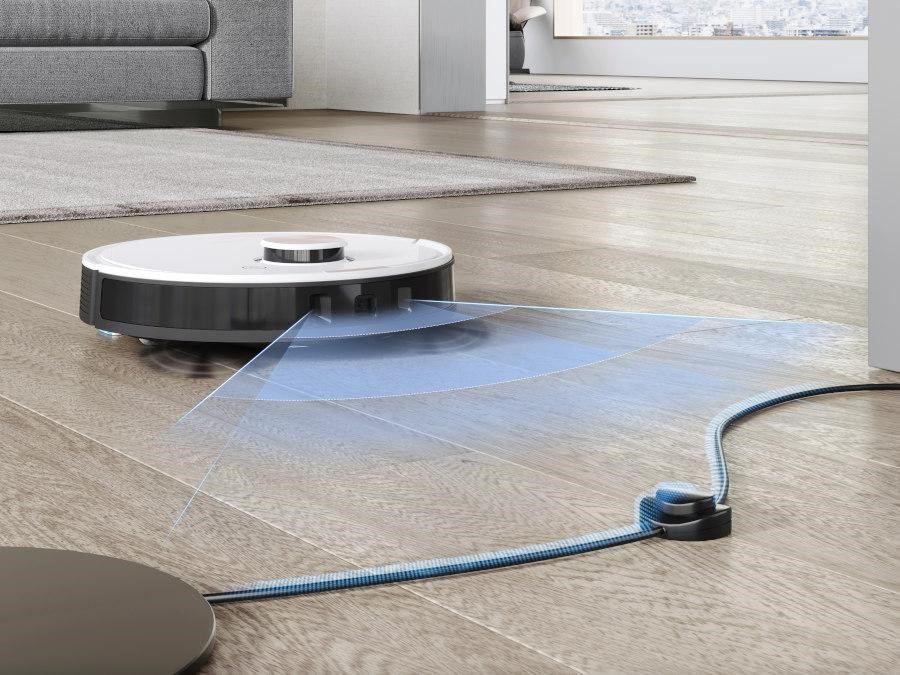
Ensure the vacuum navigates smoothly by removing obstructions and maintaining a clear cleaning path. In cluttered spaces, consider rearranging furniture or using boundary markers to guide the vacuum effectively.
Troubleshooting Error 4 in Specific Shark Robot Models
Different Shark robot models may have unique features or requirements. Always refer to the user manual or consult Shark’s support team for model-specific troubleshooting steps. This ensures you address the error correctly and maintain the vacuum’s performance.
By understanding the causes of the Shark Robot Brush Roll Stuck Error 4 and following these troubleshooting and maintenance steps, you can keep your vacuum running efficiently and avoid future issues. Regular care and prompt attention to errors will extend the life of your Shark robot vacuum, ensuring it continues to simplify your cleaning routine.





