
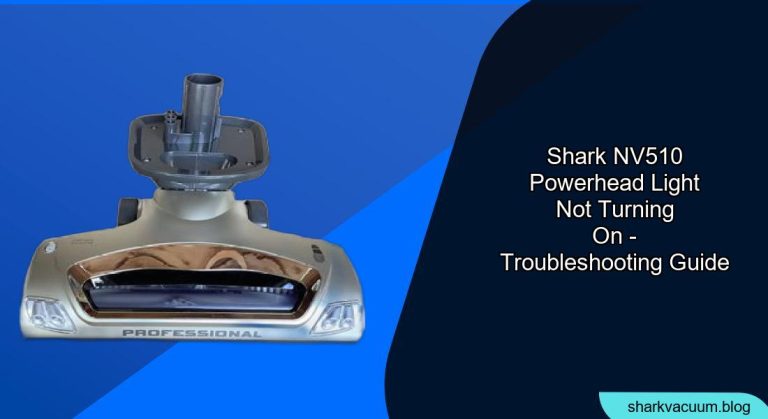
Is the powerhead light on your Shark NV510 suddenly not turning on? This can be frustrating, especially when you rely on that light to illuminate dark corners and track dust bunnies. Fortunately, most powerhead light issues are easy to troubleshoot and fix. This guide will walk you through the common causes and step-by-step solutions to get your Shark NV510 powerhead light shining again.
1. Check the Obvious: Power and Connections
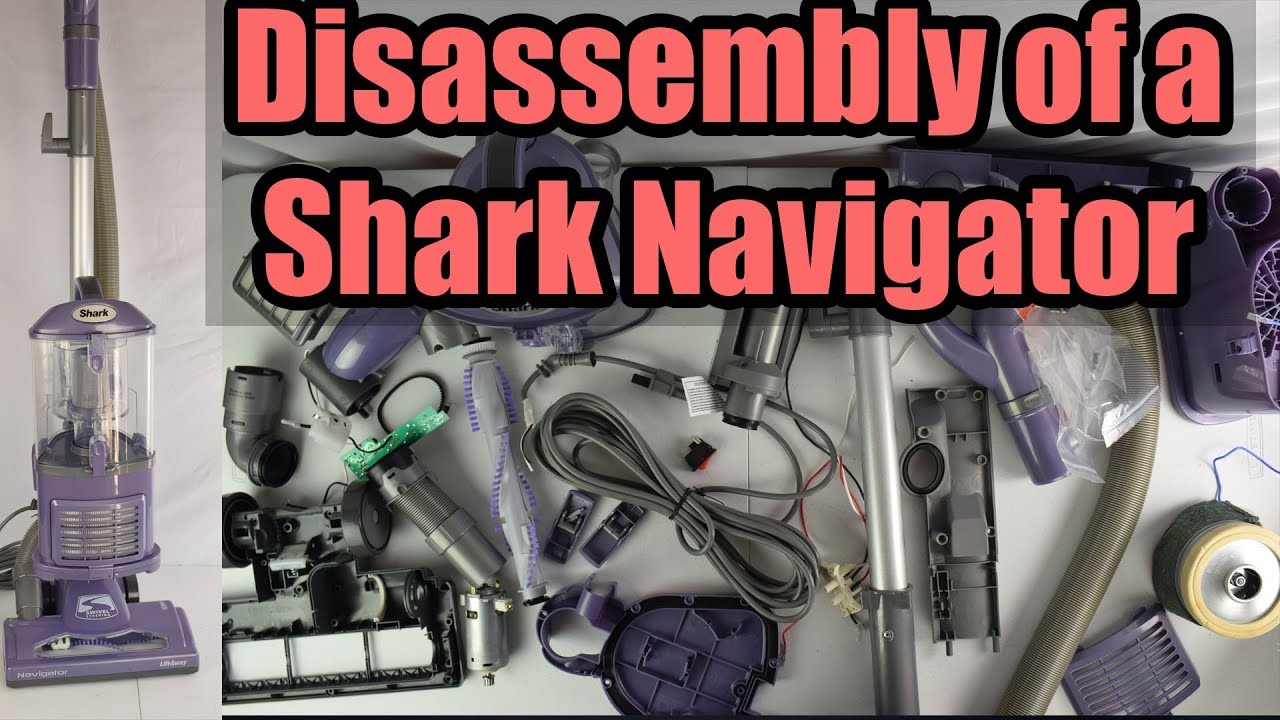
Before diving into more complex solutions, let’s start with the basics. A loose connection or lack of power is often the culprit behind a non-illuminating powerhead light.
Is the Vacuum Powered On?
- Ensure the vacuum is properly plugged into a working power outlet. Test the outlet with another device to confirm it’s supplying power.
- Make sure the power switch on the vacuum is turned on. Sometimes, it’s as simple as a forgotten switch.
Check the Hose and Wand Connections
- Detach and Reattach: Disconnect the hose and wand from both the vacuum body and the powerhead. Firmly reconnect each piece, ensuring they click into place. A loose connection can interrupt the power supply to the powerhead light.
- Inspect for Obstructions: While the hose and wand are detached, check for any blockages. Debris can sometimes accumulate and interfere with the electrical connection.
2. Inspect the Powerhead for Blockages
Hair, threads, and other debris can easily tangle around the brushroll and clog the powerhead, potentially affecting the light’s functionality.
Turn Off and Unplug the Vacuum
- Safety First: Always disconnect the vacuum from the power outlet before performing any maintenance or inspections.
Remove the Brushroll
- Locate the brushroll access panel on the powerhead.
- Use a screwdriver or coin to unlock and open the panel.
- Carefully remove the brushroll from the powerhead.
Clean the Brushroll and Powerhead
- Remove Debris: Use scissors or a seam ripper to cut away any hair, threads, or fibers wrapped around the brushroll.
- Inspect the Powerhead: Check for any visible obstructions inside the powerhead housing. Remove any debris that could be blocking the light or interfering with its electrical connection.
Reassemble and Test
- Reinstall the cleaned brushroll back into the powerhead.
- Close and lock the brushroll access panel.
- Reconnect the powerhead to the wand and hose, then plug in and turn on the vacuum to see if the light works.
3. Examine the Light Bulb or LED
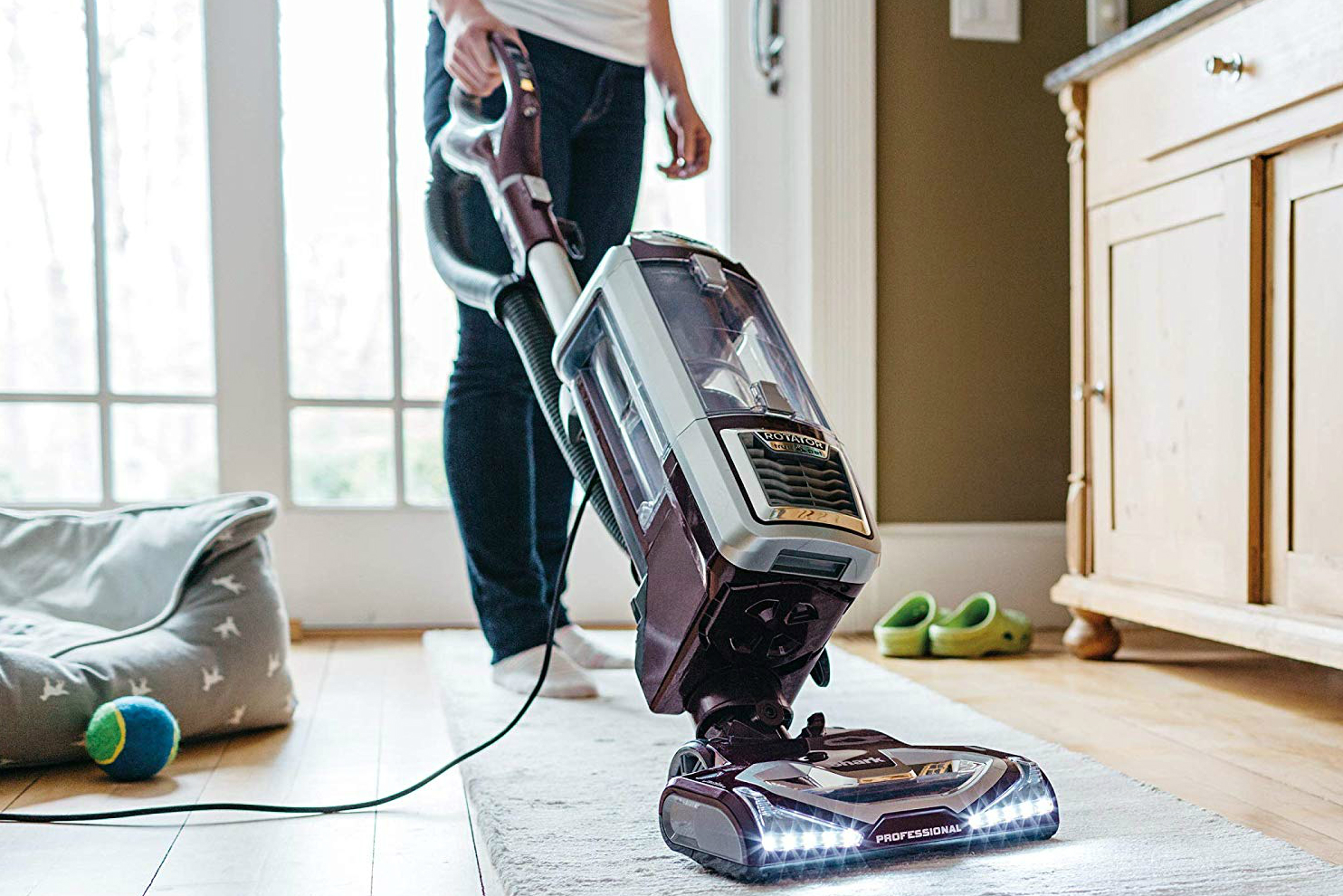
Like any light source, the bulb or LED in your Shark NV510’s powerhead can burn out over time.
Identify the Light Source
- Determine whether your Shark NV510 uses a traditional light bulb or an LED. LEDs generally last longer, but both can fail.
Check for Damage
- Carefully inspect the light bulb or LED for any signs of damage, such as cracks, breaks, or blackening.
- If the bulb is visibly damaged, it needs to be replaced.
Replacing the Light Bulb or LED
- Light Bulb: If your vacuum uses a replaceable light bulb, locate the bulb socket and carefully remove the old bulb. Install a new bulb of the same type and wattage.
- LED: Replacing an LED can be more complex, as it often requires disassembling the powerhead and soldering. If you’re not comfortable with electronics repair, it’s best to consult a professional or contact Shark customer support.
4. Check the Wiring
Damaged or loose wiring within the powerhead can prevent the light from working.
Inspect Visible Wiring
- Carefully examine any visible wires inside the powerhead for signs of damage, such as cuts, frays, or exposed conductors.
Check the Wiring Connections
- Ensure all wiring connections are secure and properly connected. Loose connections can interrupt the power supply to the light.
Repair or Replace Damaged Wiring
- If you find any damaged wiring, repair it with electrical tape or replace the damaged section with new wire.
- If you’re not comfortable working with electrical wiring, consult a qualified technician.
5. Reset the Vacuum

Sometimes, a simple reset can resolve electrical glitches that may be affecting the powerhead light.
Unplug the Vacuum
- Disconnect the vacuum from the power outlet.
Wait 15-30 Minutes
- Allow the vacuum to sit unplugged for 15-30 minutes to allow any residual electricity to dissipate.
Plug In and Test
- Reconnect the vacuum to the power outlet and turn it on to see if the light is working.
6. Contact Shark Customer Support
If you’ve tried all the troubleshooting steps above and the powerhead light still isn’t working, it’s time to contact Shark customer support. They may be able to provide additional assistance or recommend a repair solution.
Gather Information
- Before contacting customer support, gather the model number of your Shark NV510 vacuum and a detailed description of the problem.
Explain the Issue
- Clearly explain the troubleshooting steps you’ve already taken and the results you’ve observed.
Follow Their Instructions
- Follow any instructions provided by the customer support representative. They may ask you to perform additional tests or provide further information.
FAQ About Shark NV510 Powerhead Light Issues
Why is the powerhead light on my Shark vacuum flickering?
A flickering powerhead light can indicate a loose connection, a dying bulb, or a problem with the wiring. Check all connections, inspect the bulb, and examine the wiring for damage.
How do I replace the light bulb in my Shark NV510 powerhead?
First, ensure the vacuum is unplugged. Locate the light bulb access panel on the powerhead, usually held in place by a screw or clip. Remove the panel, carefully remove the old bulb, and replace it with a new bulb of the same type and wattage.
Can I use a different type of bulb in my Shark NV510 powerhead?
No, it’s essential to use the same type of bulb specified by the manufacturer. Using a different type of bulb can damage the vacuum or create a safety hazard.
What if my Shark NV510 powerhead light works intermittently?
Intermittent issues often stem from loose connections or faulty wiring. Check all connections and wiring for any signs of damage. Cleaning the powerhead and brushroll can also help if debris is interfering with the electrical connection.
Is it possible to upgrade the light in my Shark NV510 to an LED?
While it might be technically possible, it’s generally not recommended unless you have experience with electronics modification. Using a non-standard LED could damage the vacuum or void the warranty.
Tips, Warnings, and Best Practices
- Regular Cleaning: Regularly clean the brushroll and powerhead to prevent debris buildup, which can affect the light and overall performance.
- Avoid Overloading: Don’t try to vacuum excessively large or heavy items, as this can strain the motor and electrical components.
- Check the Cord: Periodically inspect the power cord for any signs of damage. A damaged cord can be a fire hazard.
- Professional Help: If you’re not comfortable performing any of the troubleshooting steps outlined in this guide, seek assistance from a qualified appliance repair technician.
Conclusion
A non-functioning powerhead light on your Shark NV510 can be a nuisance, but it’s often a problem that can be resolved with a bit of troubleshooting. By systematically checking the power supply, connections, brushroll, light bulb, and wiring, you can usually identify and fix the issue. If all else fails, don’t hesitate to contact Shark customer support for further assistance. With a little effort, you can get your Shark NV510 powerhead light shining bright again, illuminating your path to a cleaner home.





