

Is your Shark ION Robot R85 refusing to charge, leaving you with a silent, immobile cleaning companion? It’s a frustrating situation, but don’t worry! This article will guide you through a series of troubleshooting steps to diagnose and resolve the charging issue, getting your R85 back to its dirt-busting duties in no time. We’ll cover everything from basic checks to more advanced solutions, ensuring you exhaust all possibilities before considering a costly repair or replacement.
A non-charging robot vacuum disrupts your cleaning schedule and can be a sign of underlying problems. By systematically checking the power source, docking station, and the robot itself, you can often pinpoint the cause and implement a fix. This guide provides a comprehensive approach to diagnosing and resolving charging problems specifically for the Shark ION Robot R85.
1. Basic Checks: Power and Connections

Before diving into more complex troubleshooting, let’s start with the basics to rule out simple oversights.
- Power Outlet: Ensure the outlet is working by plugging in another device. If the outlet is dead, try a different one or check your circuit breaker.
- Power Cord: Examine the power cord for any visible damage, such as fraying or cuts. If damaged, replace the cord.
- Docking Station Connection: Make sure the power cord is securely plugged into the docking station.
2. Inspect the Docking Station
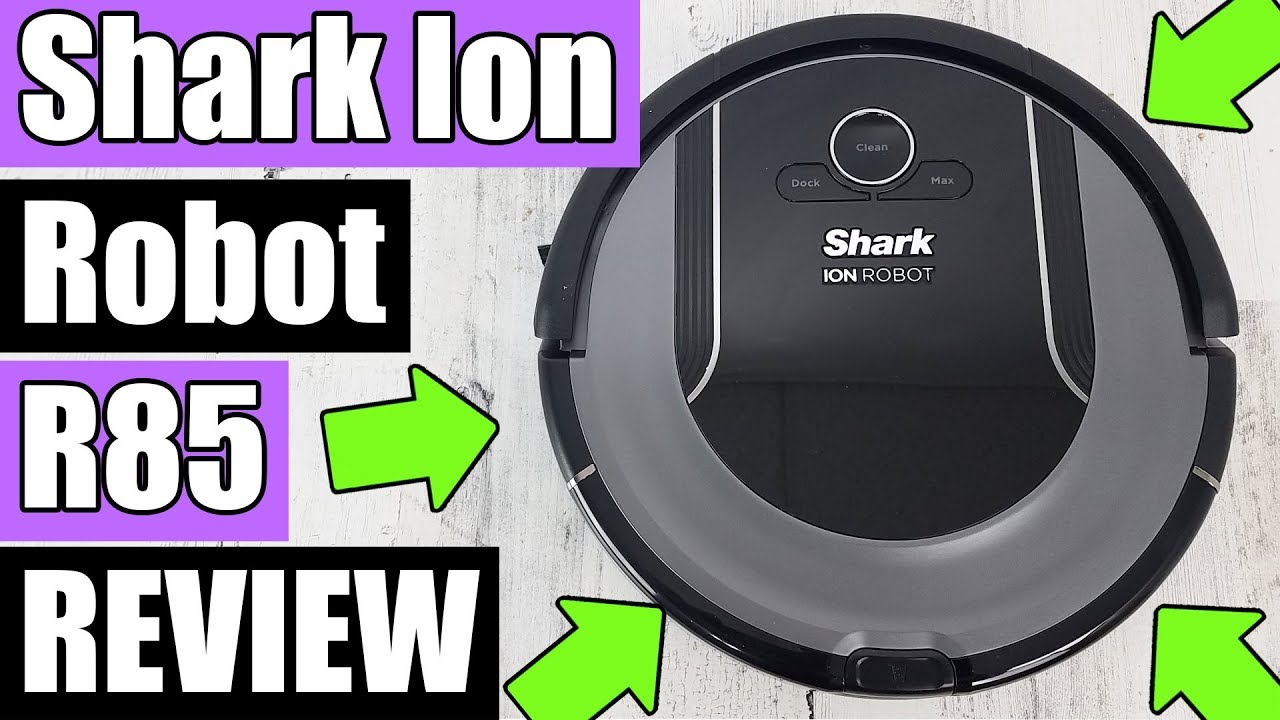
The docking station is crucial for charging, so a problem here can prevent your R85 from powering up.
- Placement: The docking station should be on a hard, level surface against a wall. Avoid placing it on carpets or in areas with obstructions. Shark recommends leaving at least 3 feet of clear space in front of the dock and 1.5 feet on either side.
- Clean Charging Contacts: Use a dry cloth to clean the metal charging contacts on both the docking station and the robot. Dust and debris can interfere with the connection.
- Reset the Docking Station: Unplug the docking station for 30 seconds, then plug it back in. This can sometimes resolve minor electrical glitches.
3. Robot’s Charging Contacts and Sensors

Like the docking station, the robot’s charging contacts need to be clean for proper charging.
- Clean the Contacts: Gently wipe the charging contacts on the bottom of the robot with a dry cloth.
- Check the Sensors: Make sure the sensors around the charging contacts are clean and free of debris. These sensors help the robot align correctly with the docking station.
- Obstructions: Ensure nothing is blocking the robot from making full contact with the charging base.
4. Battery Issues
The battery is a common culprit when a robot vacuum won’t charge.
- Initial Charge: When you first get your Shark ION Robot R85, allow it to charge for the recommended initial charge time (usually several hours) as specified in the user manual.
- Battery Age: Over time, rechargeable batteries degrade. If your R85 is several years old, the battery may be nearing the end of its lifespan and may not hold a charge well.
- Battery Replacement: If you suspect the battery is the issue, consider replacing it. You can purchase replacement batteries online or from authorized Shark retailers.
5. Resetting Your Shark ION Robot R85
A reset can often resolve software glitches that might be preventing charging.
- Power Cycle: Turn the robot off using the power switch (if available). Wait a few minutes, then turn it back on and try charging it.
- Factory Reset: Consult your user manual for specific instructions on how to perform a factory reset. This will restore the robot to its original settings. Warning: A factory reset will erase any custom settings or schedules you’ve programmed.
6. Firmware Updates
Outdated firmware can sometimes cause charging issues.
- Check for Updates: Use the SharkClean app to check for any available firmware updates for your R85.
- Install Updates: If an update is available, follow the on-screen instructions to install it. Ensure the robot is connected to Wi-Fi and has sufficient battery life before starting the update.
7. Troubleshooting Guide
| Problem | Possible Cause | Solution |
|---|---|---|
| Robot won’t dock correctly | Docking station placement, dirty sensors | Ensure proper placement, clean sensors on robot and docking station. |
| Robot docks but doesn’t charge | Dirty charging contacts, faulty power adapter | Clean charging contacts, check power adapter with a multimeter (if you have one), consider replacing the adapter. |
| Robot charges intermittently | Loose connection, battery issue | Check all connections, monitor battery performance, consider replacing the battery. |
| Robot displays an error message related to charging | Software glitch, hardware failure | Consult the user manual for the specific error message and troubleshooting steps, try resetting the robot, contact Shark customer support. |
| Robot is completely dead | Battery completely discharged, internal fault | Allow the robot to charge for an extended period (24 hours), if still dead, contact Shark customer support. |
8. Pro Tips for Maintaining Your Shark ION Robot R85
- Regular Cleaning: Regularly clean the brushes, filters, and sensors to ensure optimal performance.
- Scheduled Cleaning: Use the scheduling feature to prevent excessive dirt buildup, which can strain the robot’s battery.
- Battery Care: Avoid completely discharging the battery frequently. Charge the robot regularly, even if it’s not fully depleted.
FAQ Section
Why is my Shark ION Robot R85 not staying on the charging dock?
The robot might not be staying on the charging dock due to an uneven surface, obstructions near the dock, or dirty sensors. Ensure the docking station is on a level surface, clear any obstacles, and clean the sensors on both the robot and the dock.
How often should I replace the battery in my Shark ION Robot R85?
Typically, a robot vacuum battery lasts between 12 to 18 months, depending on usage. If you notice a significant decrease in battery life, it’s time to consider a replacement to maintain optimal cleaning performance.
Can I leave my Shark ION Robot R85 on the charging dock all the time?
While it’s generally safe to leave your R85 on the charging dock, some users believe it can shorten the battery’s lifespan over time. Consider unplugging the dock occasionally once the robot is fully charged to potentially extend battery life.
What does it mean when the Shark ION Robot R85 is flashing a red light?
A flashing red light usually indicates an error. Consult your user manual to identify the specific error code and follow the recommended troubleshooting steps. It could be related to a sensor issue, a blocked brushroll, or a charging problem.
Is there a way to deep clean the charging contacts on my Shark ION Robot R85?
You can use a cotton swab lightly dampened with isopropyl alcohol to gently clean the charging contacts. Ensure the robot and docking station are powered off before cleaning, and allow the contacts to dry completely before reconnecting.
What should I do if my Shark ION Robot R85 is still not charging after trying all these steps?
If you’ve exhausted all the troubleshooting steps and your R85 still refuses to charge, it’s time to contact Shark customer support. They can provide further assistance, diagnose potential hardware issues, and advise on repair or replacement options.
Tips, Warnings, and Best Practices
- Safety First: Always disconnect the power cord before cleaning any electrical components.
- Avoid Water: Never use water or excessive moisture to clean the charging contacts or sensors.
- Read the Manual: Refer to your Shark ION Robot R85 user manual for specific instructions and safety guidelines.
- Regular Maintenance: Consistent cleaning and maintenance can prevent many charging and performance issues.
- Genuine Replacements: Use only genuine Shark replacement parts to ensure compatibility and avoid damaging your robot.
Conclusion
A Shark ION Robot R85 that won’t charge can be a real inconvenience, but with a systematic approach, you can often resolve the issue yourself. By checking the power source, inspecting the docking station and robot, addressing battery concerns, and performing resets, you can get your cleaning companion back in action. If all else fails, don’t hesitate to contact Shark customer support for expert assistance. Getting your R85 charging again means a cleaner home with minimal effort, so take the time to troubleshoot and enjoy the benefits of automated cleaning!





