
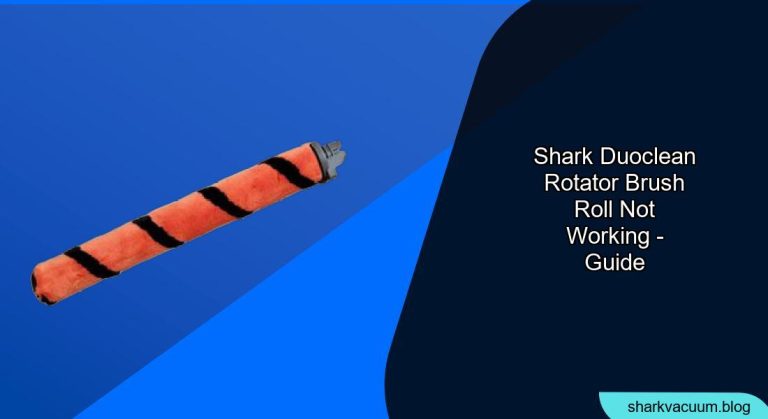
Is your Shark DuoClean Rotator vacuum cleaner’s brush roll refusing to spin? This can be frustrating, as the brush roll is essential for effectively cleaning carpets and rugs. This article will guide you through the troubleshooting process, helping you identify the cause and find a solution to get your vacuum back in action.
The Shark DuoClean Rotator is a popular vacuum cleaner known for its powerful suction and innovative brush roll design. When the brush roll stops working, it significantly impacts the vacuum’s cleaning performance. This guide will provide you with step-by-step instructions and helpful tips to diagnose and resolve this common issue, saving you time and potentially the cost of a repair.
We will cover everything from basic checks to more advanced troubleshooting steps. You’ll learn how to identify potential blockages, inspect the motor, and maintain your vacuum cleaner to prevent future problems. Let’s get your Shark DuoClean Rotator working like new again!
Common Causes and Simple Fixes

Before diving into more complex solutions, let’s explore some of the most common reasons why your Shark DuoClean Rotator brush roll might not be working:
- Blockages: Hair, string, and debris can easily get tangled around the brush roll, preventing it from spinning freely.
- Overheating: The vacuum’s motor might overheat if it’s been running for an extended period or if there’s a blockage.
- Full Dust Cup: A full dust cup can restrict airflow, affecting the brush roll’s performance.
- Incorrect Settings: Ensure the vacuum is set to the correct floor type (carpet or hard floor).
- Power Issues: A loose connection or faulty power outlet can prevent the brush roll from working.
Step-by-Step Troubleshooting Guide
Follow these steps to diagnose and fix the issue with your Shark DuoClean Rotator brush roll:
- Check the Power and Connections:
- Ensure the vacuum is properly plugged into a working power outlet.
- Check the power cord for any damage or fraying.
- Try a different outlet to rule out electrical issues.
- Empty the Dust Cup:
- A full dust cup restricts airflow and can affect the brush roll’s performance.
- Empty the dust cup and clean the filters to ensure optimal suction.
- Inspect and Clean the Brush Rolls:
- Turn off and unplug the vacuum.
- Remove the brush roll cover.
- Carefully remove the brush rolls and clear any tangled hair, string, or debris.
- Use scissors or a seam ripper to cut through tangled materials.
- Reinstall the brush rolls and the cover.
- Check for Blockages in the Hose and Nozzle:
- Detach the hose from the vacuum body and the nozzle.
- Inspect the hose and nozzle for any obstructions.
- Use a broom handle or similar tool to dislodge any blockages.
- Reset the Motor:
- If the motor has overheated, it might need to be reset.
- Unplug the vacuum and let it cool down for at least 30 minutes.
- Plug the vacuum back in and try turning it on again.
- Inspect the Belt:
- The belt connects the motor to the brushroll, if this is broken or damaged then the brushroll will not turn.
- You may need to disassemble part of the vacuum to inspect the belt.
- Replace the belt if damage is found.
Tools/Materials You Might Need
- Screwdriver (usually a Phillips head)
- Scissors or seam ripper
- Broom handle or similar tool
- Clean cloth
- Replacement brush rolls (if necessary)
- Replacement belt (if necessary)
Troubleshooting Guide: Common Problems and Solutions
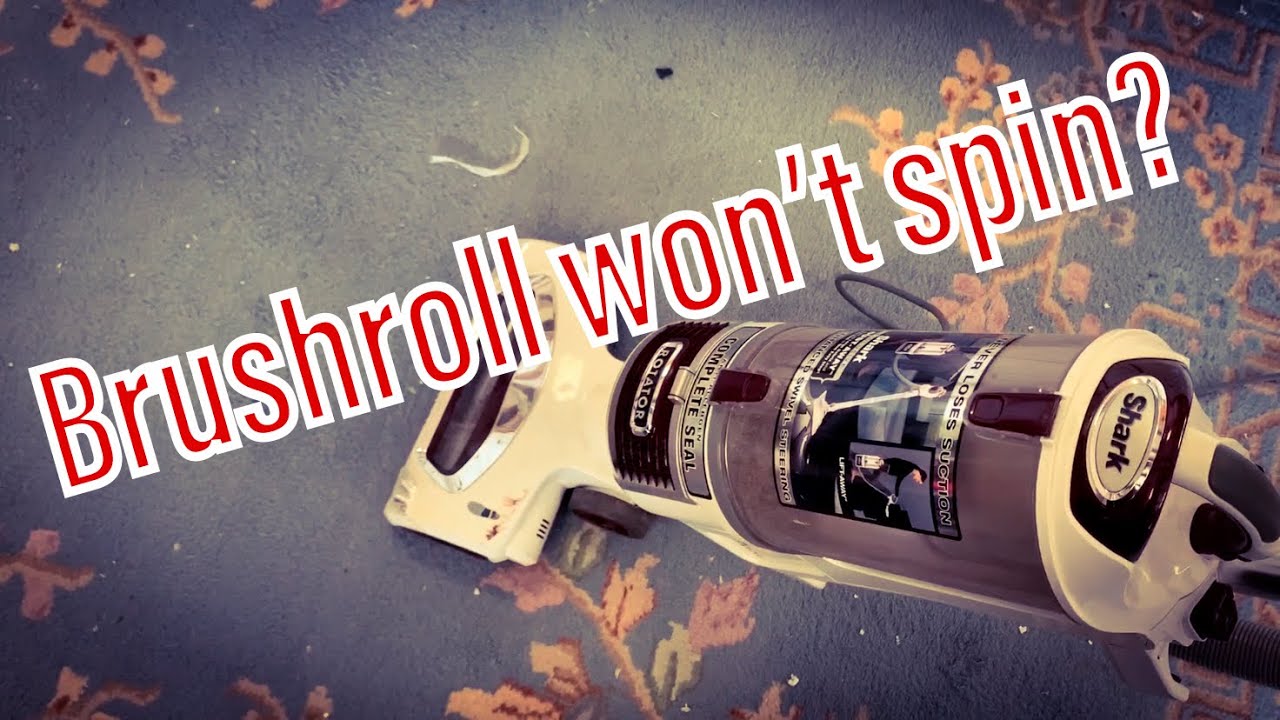
Here are some common problems you might encounter while troubleshooting your Shark DuoClean Rotator brush roll and their respective solutions:
- Brush Roll Still Not Spinning After Cleaning:
- Problem: Even after removing visible debris, the brush roll remains inactive.
- Solution: Deep clean the brush roll housing and check for hidden obstructions. Ensure the brush roll is properly aligned during reinstallation. If the problem persists, the motor may be failing.
- Vacuum Shuts Off Suddenly:
- Problem: The vacuum turns off unexpectedly, especially during use on carpets.
- Solution: This is often due to overheating. Unplug the vacuum, empty the dust cup, clean the filters, and allow it to cool down for at least 30 minutes before attempting to use it again.
- Weak Suction and Brush Roll Issues:
- Problem: Both suction power and brush roll performance are diminished.
- Solution: Check for air leaks in the hose or connections. Ensure all parts are properly sealed. Clean the filters thoroughly, as clogged filters significantly reduce suction.
- Brush Roll Makes Loud Noises:
- Problem: The brush roll operates with unusual grinding or rattling sounds.
- Solution: Inspect the brush roll for damage or wear. Check the bearings for lubrication and replace if necessary. Ensure no hard objects are lodged in the brush roll housing.
- Brush Roll Indicator Light Not On:
- Problem: The indicator light that signals brush roll activity is not illuminated.
- Solution: Check the vacuum’s user manual for specific troubleshooting steps related to the indicator light. Ensure all connections are secure, and the brush roll is properly installed. If the light still doesn’t turn on, there may be an electrical issue.
Pro Tips for Maintaining Your Shark DuoClean Rotator
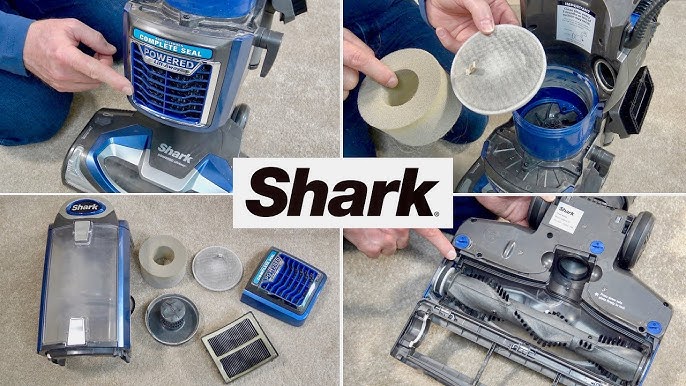
- Regular Cleaning: Clean the brush rolls and filters regularly to prevent blockages and maintain optimal performance.
- Avoid Overloading: Don’t try to vacuum excessively large debris or liquids.
- Check for Wear and Tear: Inspect the brush rolls and other components for wear and tear and replace them as needed.
- Proper Storage: Store the vacuum in a clean, dry place to prevent damage.
- Read the Manual: Familiarize yourself with the user manual for specific maintenance instructions and troubleshooting tips.
Alternatives and Variations
If you’ve tried all the troubleshooting steps and your Shark DuoClean Rotator brush roll still isn’t working, here are a few alternative solutions:
- Contact Shark Customer Support: Reach out to Shark’s customer support for further assistance and potential warranty options.
- Professional Repair: Take your vacuum to a qualified repair technician for diagnosis and repair.
- Consider a Replacement: If the vacuum is old or heavily damaged, it might be more cost-effective to replace it with a new model.
FAQ Section
Why does my Shark vacuum brush roll keep stopping?
The brush roll may stop due to obstructions like hair and debris, overheating, a full dust cup, or incorrect settings. Regularly cleaning the brush roll and filters can help prevent this issue.
How do I reset my Shark vacuum brush roll?
To reset the brush roll, turn off and unplug the vacuum. Remove any visible obstructions, empty the dust cup, and clean the filters. Let the vacuum cool down for 30 minutes before plugging it back in and turning it on.
Can I use my Shark vacuum without the brush roll?
While you can use the vacuum without the brush roll, the cleaning performance will be significantly reduced, especially on carpets. The brush roll is essential for agitating and lifting dirt and debris from carpet fibers.
How often should I replace the brush rolls on my Shark vacuum?
The replacement frequency depends on usage, but it’s generally recommended to replace the brush rolls every 6-12 months or when you notice signs of wear and tear, such as reduced effectiveness or damage.
What does the red light on my Shark vacuum mean?
A red light usually indicates a problem with the brush roll, such as a blockage or overheating. Refer to your user manual for specific information about the meaning of different indicator lights.
How do I clean the filters on my Shark DuoClean Rotator?
Remove the filters and gently tap them to remove loose debris. Rinse them with lukewarm water and allow them to air dry completely before reinstalling. Avoid using soap or harsh chemicals.
Tips, Warnings, and Best Practices
- Safety First: Always unplug the vacuum before performing any maintenance or repairs.
- Avoid Water Damage: Be careful not to get water inside the vacuum’s motor or electrical components.
- Use Genuine Parts: When replacing parts, use genuine Shark replacement parts to ensure compatibility and optimal performance.
- Regular Maintenance: Performing regular maintenance can extend the life of your vacuum and prevent costly repairs.
- Check Warranty: Before attempting any repairs, check your warranty to see if the issue is covered.
Conclusion
A malfunctioning brush roll on your Shark DuoClean Rotator can be a major inconvenience, but with the right troubleshooting steps, you can often resolve the issue yourself. By following this guide, you can identify the cause of the problem, implement the appropriate solution, and keep your vacuum cleaner running smoothly.
If you’ve tried all the troubleshooting steps and your brush roll still isn’t working, don’t hesitate to contact Shark customer support or take your vacuum to a qualified repair technician. Regular maintenance and prompt attention to potential problems will help ensure your Shark DuoClean Rotator continues to provide powerful and effective cleaning for years to come.





