

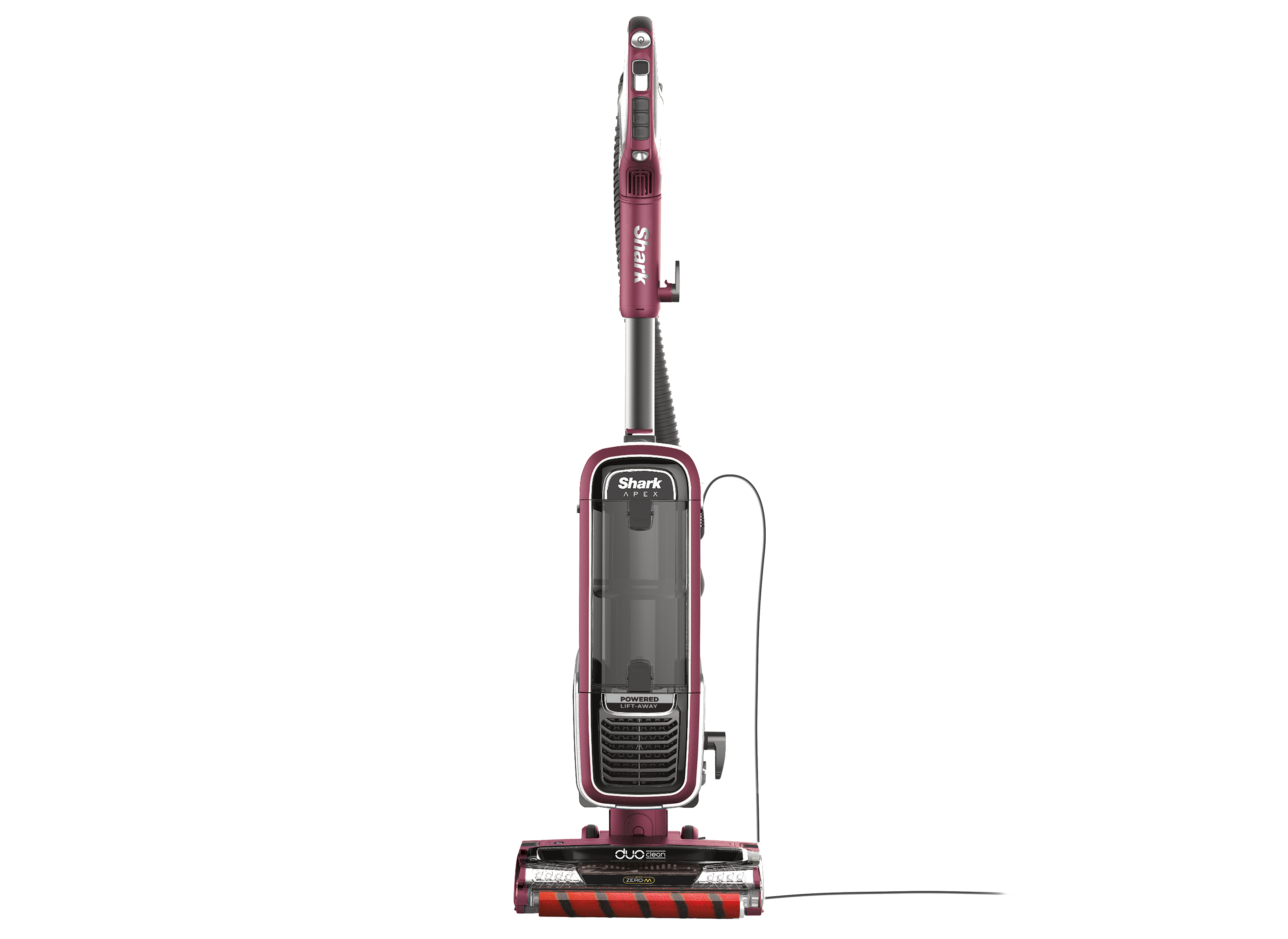
Is your Shark DuoClean Powered Lift-Away Speed vacuum cleaner’s roller not spinning, leaving you with frustratingly uncleaned floors? This common issue can stem from various causes, but thankfully, most are easily fixable at home. This guide will walk you through the troubleshooting steps to get your vacuum back in action, ensuring your floors are spotless once again.
A malfunctioning roller on your Shark vacuum not only hinders its cleaning ability but can also be incredibly frustrating. Understanding the potential causes, from simple clogs to more complex mechanical issues, is the first step in resolving the problem. We’ll explore each possibility, providing practical solutions and preventative tips. By the end of this guide, you’ll have the knowledge and confidence to diagnose and fix the issue, saving you time and money on costly repairs or replacements.
Identifying the Problem: Why Is Your Shark Vacuum Roller Not Turning?
Before diving into solutions, let’s pinpoint the potential reasons behind your Shark DuoClean’s roller malfunction:
- Clogs: Hair, debris, and other materials can get tangled around the brush roll, preventing it from spinning freely.
- Belt Issues: The belt connecting the motor to the brush roll might be broken, stretched, or dislodged.
- Motor Problems: Although less common, the motor responsible for turning the brush roll could be faulty.
- Sensor Malfunctions: Some models have sensors that detect obstructions and shut off the brush roll motor.
- Electrical Issues: A problem with the power supply or internal wiring can also cause the roller to stop working.
Step-by-Step Troubleshooting: Getting Your Shark Vacuum Roller Spinning Again
Follow these steps in order to diagnose and resolve the issue:
- Check for Visible Obstructions:
- Turn off and unplug your Shark vacuum.
- Carefully inspect the brush roll area for any visible obstructions like hair, string, or large debris.
- Use scissors or a seam ripper to carefully cut away any tangled material. Be careful not to damage the bristles.
- Clean the Brush Roll Thoroughly:
- Remove the brush roll according to your vacuum model’s instructions.
- Wash the brush roll with warm, soapy water to remove any embedded dirt and grime.
- Allow the brush roll to dry completely before reassembling.
- Inspect the Belt (if applicable):
- Some Shark models have a belt that drives the brush roll.
- Check the belt for any signs of damage, such as cracks, tears, or excessive stretching.
- If the belt is damaged, replace it with a new one according to your vacuum model’s specifications.
- Check the Hose and Airway for Blockages:
- Disconnect the hose from the vacuum body and inspect it for any clogs.
- Use a broom handle or similar tool to dislodge any obstructions.
- Also, check the airway leading from the brush roll area to the hose connection.
- Reset the Vacuum:
- Unplug the vacuum and let it sit for 60 minutes. This allows the motor to cool down and resets any sensors that might be triggered.
- Plug the vacuum back in and test if the roller is now spinning.
- Check the Brush Roll Motor (Advanced):
- Warning: This step requires some technical knowledge. If you’re not comfortable, consult a qualified repair technician.
- Use a multimeter to check if the brush roll motor is receiving power.
- If the motor is not receiving power, there may be an electrical issue or a faulty sensor.
Tools and Materials You Might Need
- Screwdrivers (Phillips and flathead)
- Scissors or seam ripper
- Warm, soapy water
- Clean cloth or paper towels
- New replacement belt (if needed)
- Multimeter (for advanced troubleshooting)
Common Problems and Solutions
Here are some specific issues you might encounter and how to address them:
- Roller stops spinning after a few minutes: This often indicates overheating. Clean the filters and brush roll thoroughly to improve airflow.
- Roller spins intermittently: This could be due to a loose connection or a partially blocked hose. Check all connections and clear any obstructions.
- Roller makes a loud noise: This usually means there’s a foreign object stuck in the brush roll or the bearings are worn out. Inspect and clean the brush roll.
- Vacuum loses suction: A clogged filter or full dust cup can reduce suction, making it harder for the roller to spin. Empty the dust cup and clean the filters regularly.
Pro Tips for Maintaining Your Shark Vacuum
- Regular Cleaning: Clean the brush roll and filters after each use to prevent buildup and maintain optimal performance.
- Preventative Measures: Avoid vacuuming up large objects or excessive amounts of hair and debris.
- Check the Belt Regularly: Inspect the belt for wear and tear every few months and replace it as needed.
- Follow Manufacturer’s Instructions: Refer to your vacuum’s user manual for specific maintenance recommendations.
FAQ: Addressing Common Questions
How often should I clean the brush roll on my Shark vacuum?
It’s recommended to clean the brush roll after every use or at least once a week, depending on how frequently you vacuum and the amount of hair and debris in your home.
Can I use any type of soap to clean the brush roll?
It’s best to use a mild dish soap or detergent. Avoid using harsh chemicals or abrasive cleaners, as they can damage the bristles.
How do I know if my vacuum belt needs to be replaced?
If the belt is cracked, torn, stretched, or slipping, it’s time to replace it. A worn belt can cause the brush roll to spin slowly or not at all.
My Shark vacuum has a self-cleaning brush roll. Do I still need to clean it manually?
Even with a self-cleaning brush roll, it’s still a good idea to inspect and clean it manually occasionally to remove any stubborn tangles or debris.
What does the red light on my Shark vacuum mean?
A red light usually indicates an issue with the brush roll, such as a clog or motor problem. Refer to your vacuum’s user manual for specific troubleshooting steps.
Where can I find replacement parts for my Shark vacuum?
You can find replacement parts on the SharkClean website or at authorized retailers like Amazon, Walmart, and Target.
Tips, Warnings, and Best Practices
- Safety First: Always unplug your vacuum before performing any maintenance or repairs.
- Avoid Overloading: Don’t try to vacuum up large objects or excessive amounts of debris, as this can strain the motor and damage the brush roll.
- Proper Storage: Store your vacuum in a clean, dry place to prevent dust and dirt from accumulating.
- Read the Manual: Familiarize yourself with your vacuum’s user manual for specific instructions and troubleshooting tips.
Conclusion
A Shark DuoClean Powered Lift-Away Speed vacuum with a non-spinning roller can be a frustrating problem, but with the right knowledge and tools, you can often fix it yourself. By following the troubleshooting steps outlined in this guide, you can diagnose the issue, clean or replace the necessary parts, and get your vacuum back to its optimal cleaning performance. Regular maintenance and preventative measures will also help to extend the life of your vacuum and keep it running smoothly for years to come. Now that you’ve got your Shark vacuum back in working order, you can confidently tackle any mess and enjoy a cleaner, healthier home.





